Two ways to communicate. One place to keep the result.
Record handles asynchronous walkthroughs. Meet handles live conversations. Both can become searchable, shareable video assets inside the same paid workspace.
Product model
Clientana is organized around one durable loop: capture a conversation, preserve its context, and share the useful result. The capture can start asynchronously in Record or synchronously in Meet. Paid saves converge on the same recordings asset model, where source_type distinguishes a screen recording, meeting recording, or upload.
Record
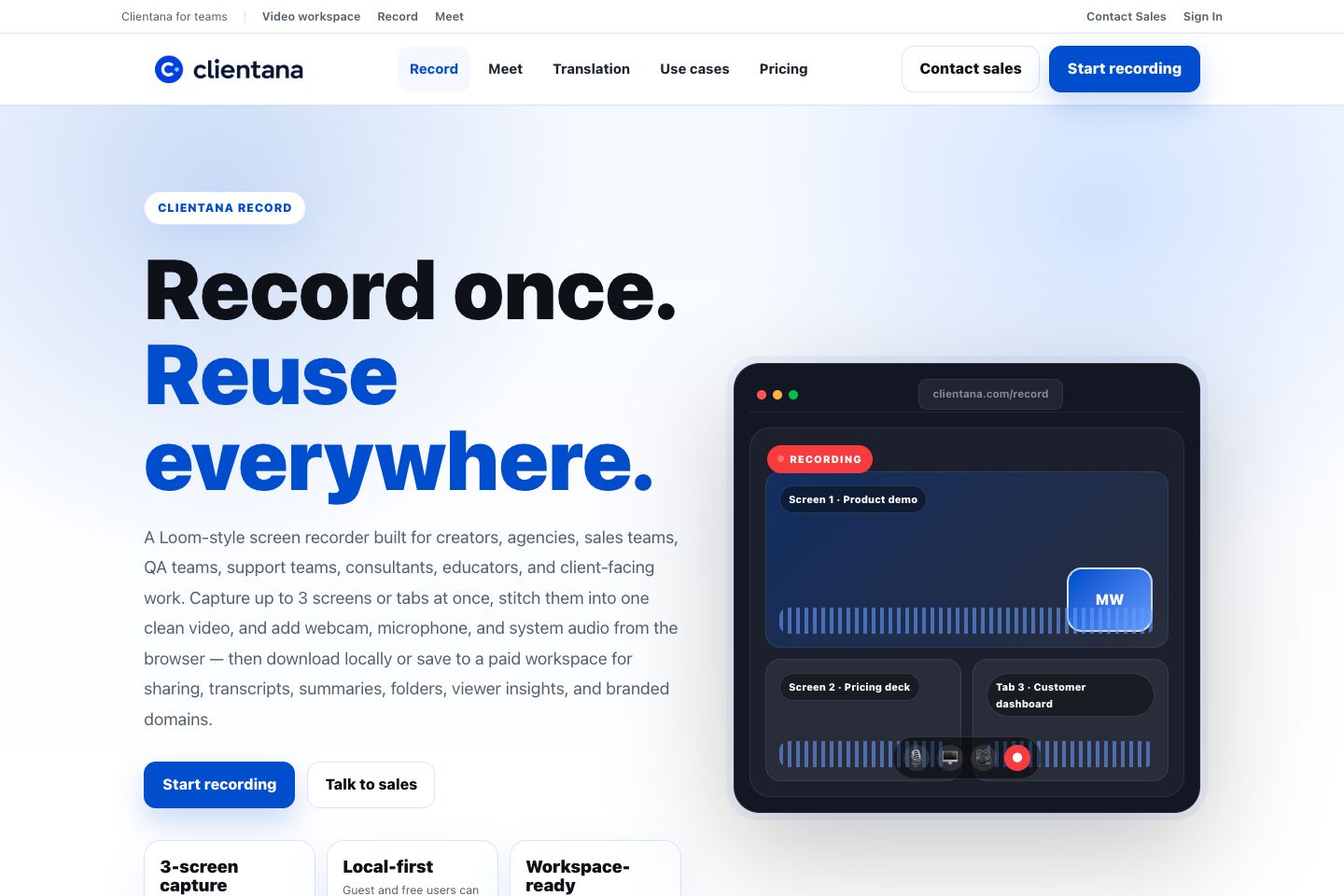
Capture up to three screens or tabs, camera, microphone, and supported system audio. Compose the final video in the browser, then download or save by plan.
Meet
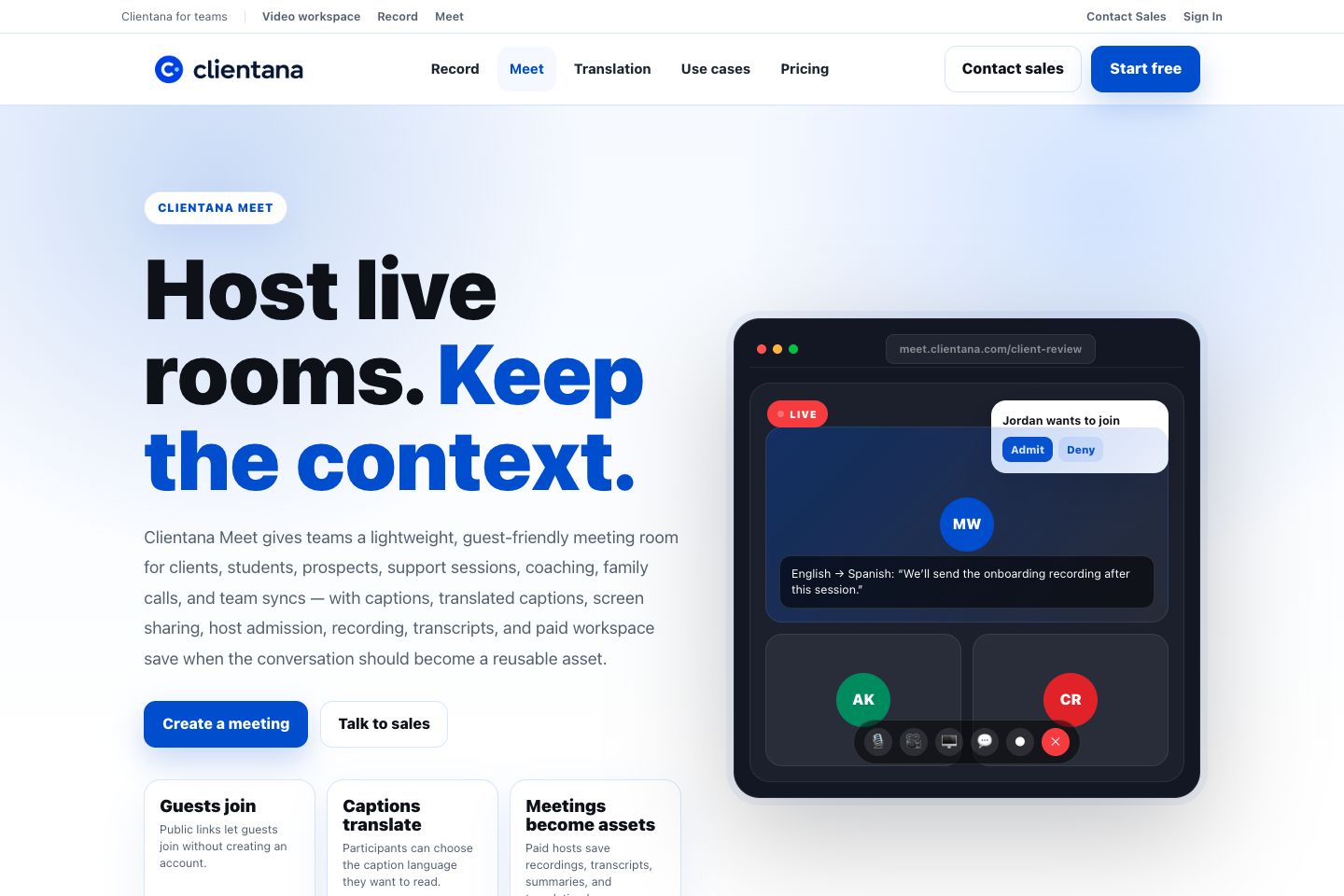
Create guest-friendly rooms with host admission, WebRTC media, screen sharing, captions, translation, recording, chat, and transcripts.
Workspace
Organize saved video assets with folders, comments, versions, AI metadata, viewer insights, security settings, and branded share links.
What changes by plan
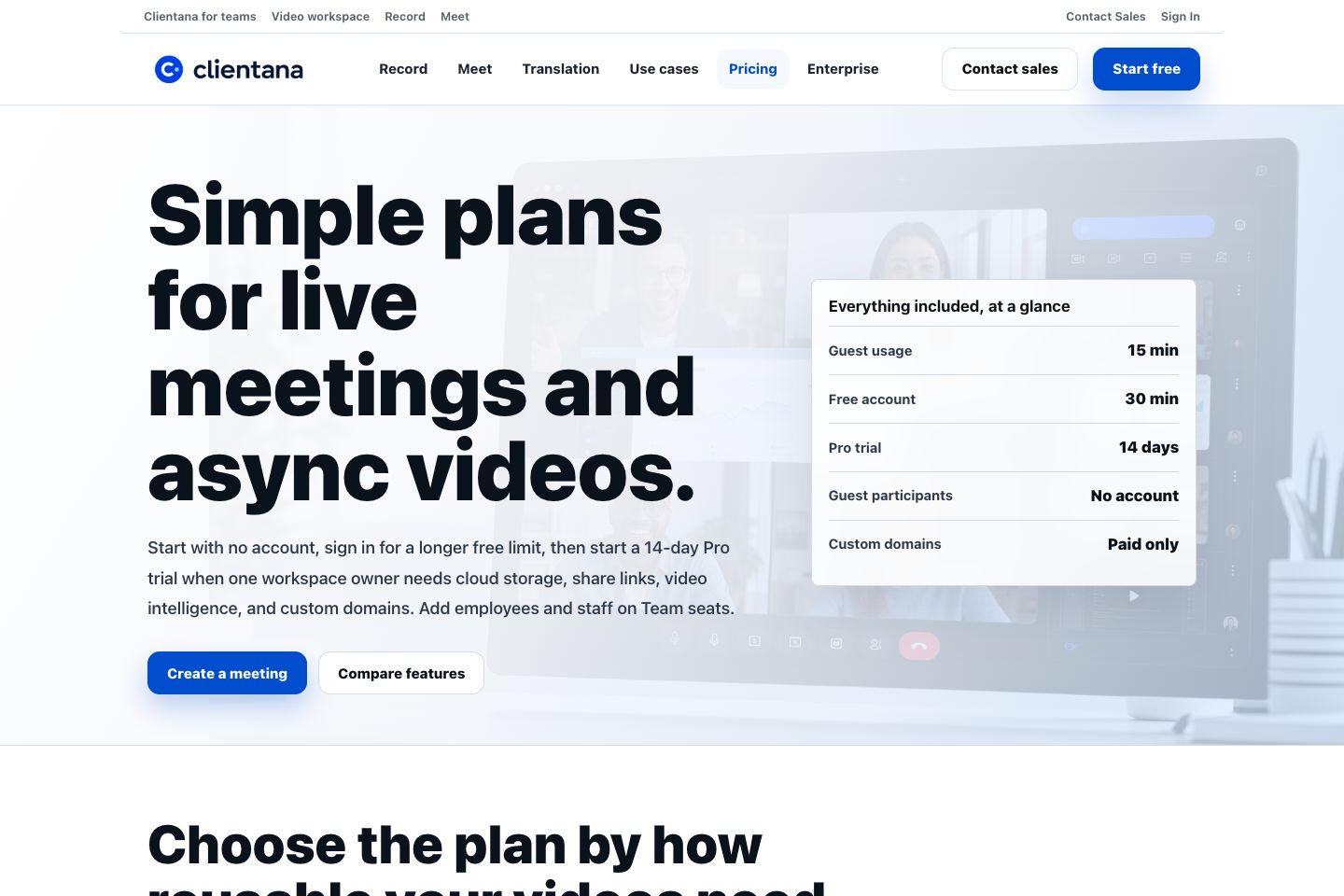
| Capability | Guest | Free account | Paid workspace |
|---|---|---|---|
| Start without an account | Yes | Yes | Yes |
| Meeting duration | 15 minutes | 30 minutes | No free-tier duration cap |
| Browser recording | Local-first | Local-first | Local plus workspace save |
| Cloud recording storage | No | No | Yes |
| Share links and folders | No | No | Yes |
| Passwords and advanced share controls | No | No | Yes |
| Viewer insights and AI summaries | No | No | Yes |
| Custom record/meet domains | No | No | Yes |
The canonical capability matrix lives in lib/entitlements.js. Product code should ask for a capability such as cloudRecording, shareLinks, or customDomains instead of scattering raw plan-name checks across the UI.
The complete product loop
Choose asynchronous capture for a reusable walkthrough, or a live room when people need to talk now.
Video, audio, captions, translated text, chat, and participant events describe what happened.
Guest and free users keep local files. Paid users can upload a screen recording or save a meeting into the active tenant workspace.
Background jobs can create playback formats, thumbnails, waveform and duration metadata, transcripts, summaries, chapters, decisions, and action items.
Workspace members search, place assets in folders, edit metadata, create versions, comment, and inspect viewer activity.
The owner enables a share link, selects public or password access, controls downloads and visible metadata, and can use a verified custom domain.
Core product surfaces
Discover and enter
- Homepage and product pages
- Pricing and enterprise
- Sign in and password reset
- Public recording shares and embeds
Capture and collaborate
- Record capture console
- Meet lobby and live room
- Camera effects and multi-screen layout
- Captions, translation, chat, and recording
Workspace operations
- Dashboard and recording library
- Folders, teams, scheduled meetings
- Security, SSO/SCIM, billing
- Custom domains and sharing defaults
Platform administration
- Superadmin support cockpit
- Billing and tenant operations
- Security events and audit trails
- Jobs, incidents, feature flags, and staff access
Where to go next
- Follow the full end-to-end workflows.
- Browse the screen atlas for annotated real-product screens.
- Read Frontend Architecture to understand page ownership and browser state.
- Read Backend Architecture to understand APIs, persistence, media, and providers.