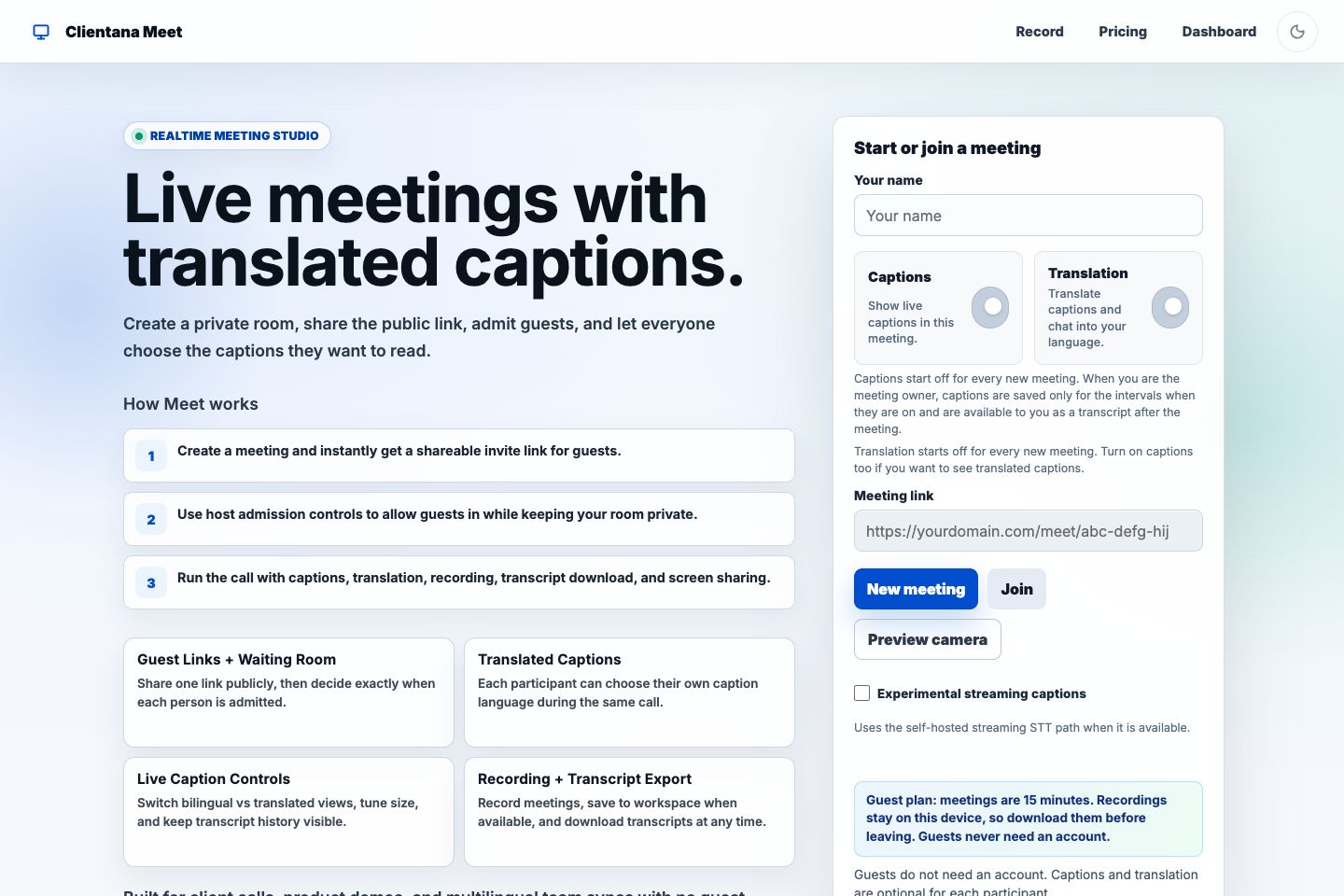
Live rooms with translated captions.
Create a private room, share the guest link, admit participants, and let every person choose the captions they want to read—without requiring guest accounts.
What Meet is for
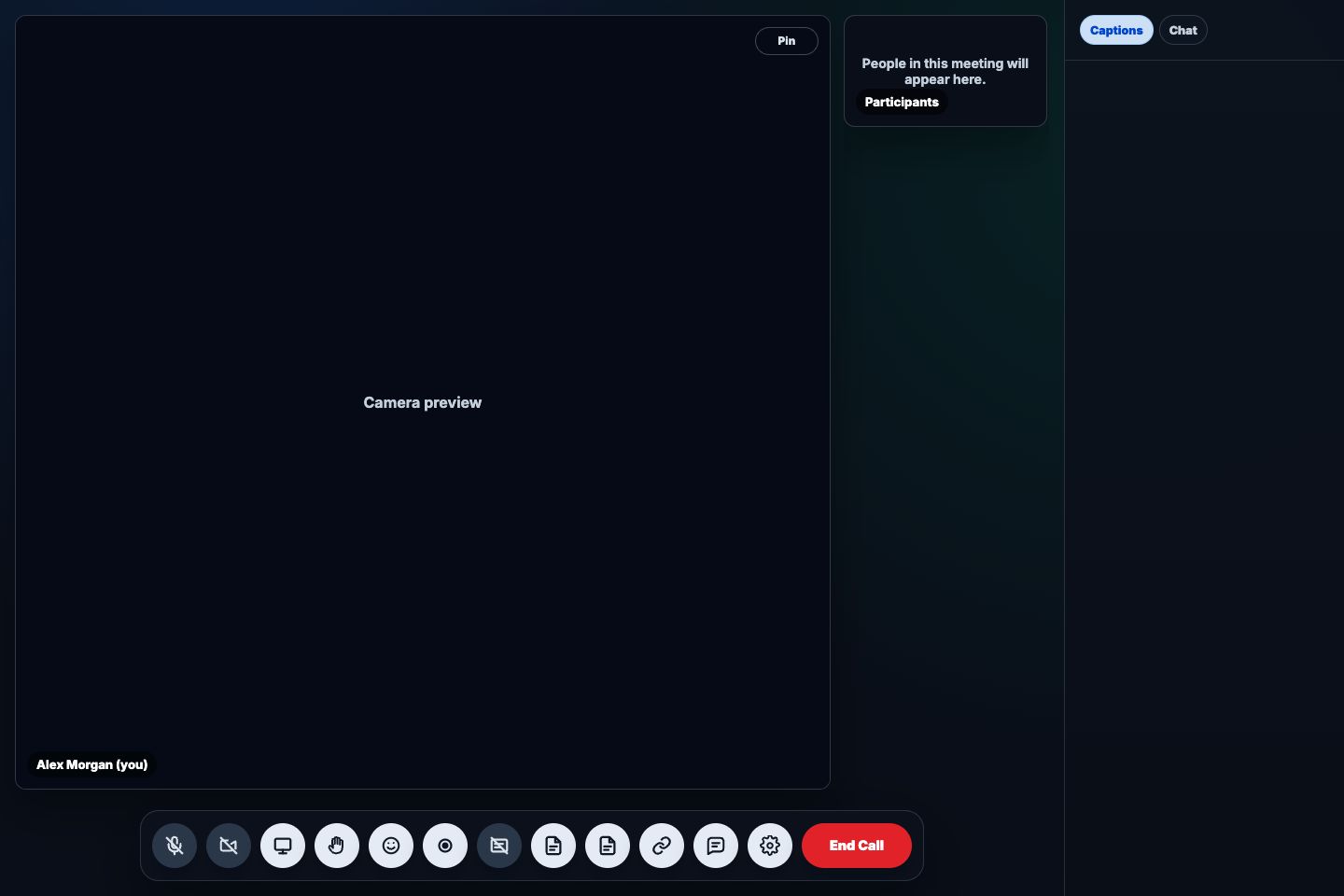
Use Meet when customers need a live conversation, product walkthrough, support session, team call, customer demo, or collaborative meeting. Meet issues usually involve room access, camera, microphone, screen sharing, captions, translation, mobile layout, or recording the meeting.
Core workflow
- Open or create the meeting room.
- Confirm the correct workspace and participant identity.
- Allow camera and microphone permissions.
- Join the room.
- Share screen, enable captions, enable translation, or record the meeting when needed and available.
- Send support the meeting link, time window, and participant impact if anything fails.
What support should ask first
Ask for the meeting room link or name, workspace, affected account email, browser, operating system, approximate time, affected participants, and whether the issue is about joining, media, screen sharing, captions, translation, or recording.
Product boundaries
Meet issues happen during live rooms. If the customer is asking about a completed recording in the library, export, share links, comments, or processing after capture, route the case to Record.